
Here you will find out how to add a new data pipeline in Pipelinica:
- Log in your Pipelinica account
- Click “Add pipeline” or use this link: https://app.pipelinica.com/add-pipeline
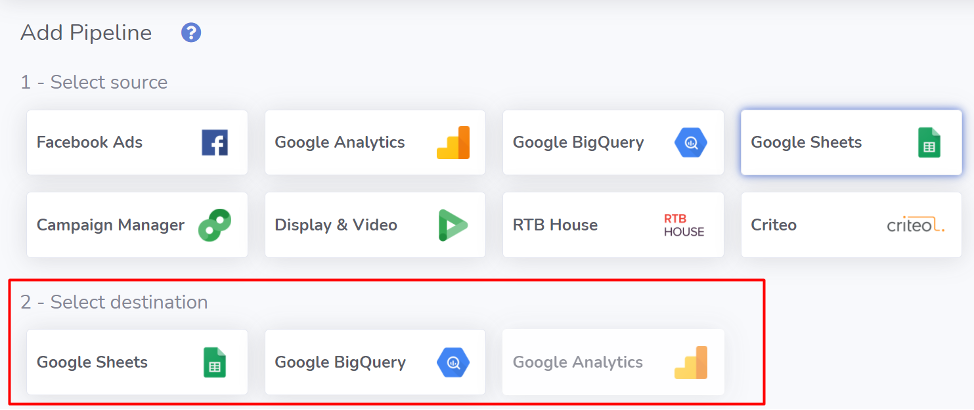
- Select one of the available data sources:

- Select where you want to export your data:
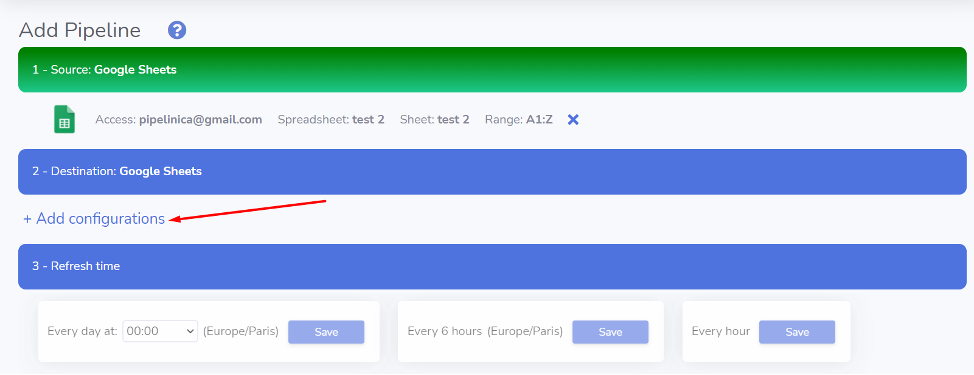
- Provide configuration for your data source:
- Provide configuration for the data destination:
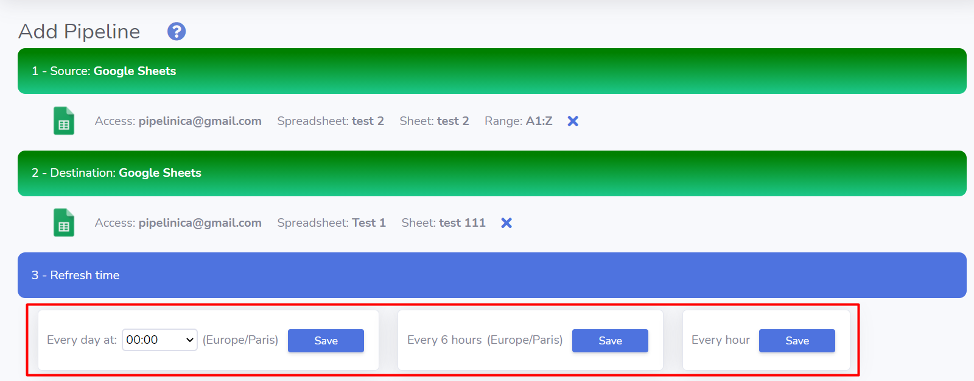
- Select a schedule for data refresh and click “Save”:
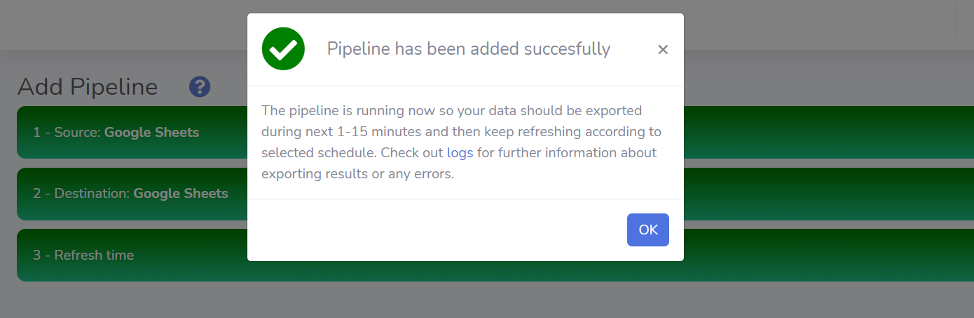
- Congratulations! You have created a pipeline, now your data should be exported during next few minutes and then keep refreshing according to selected schedule:


If you have any questions – feel free to contact us HERE, or use Live chat.